How to create your first report
Last updated: August 11, 2026
It's time to create your first report. AdvisoryAI's AI agents do the heavy lifting for you — turning a meeting or a set of documents into a polished, professional report in minutes rather than hours, so you spend less time writing and more time advising.
Across our platform, some of the types of reports you can create include:
Meeting Note
Ad-hoc Meeting Note
Email Summary
Fact Find
Suitability Report
Annual Review
LOA Pack Summary
Each report requires you to upload different input documents, we discuss this later in this article.
Creating a Report
Click Create Report at the top of the screen
Choose the type of report you want to create
Select the client the report is for, or, add a new one
Upload the documents used to create the specific report, or select documents that already exist within the platform (usually these are meeting transcript generated through Evie)
Click Next
In the example below, we show you how you to create a Fact Find, but you can use the same process to make any other report.
After the report is created, you can also edit and iterate the output however you like.
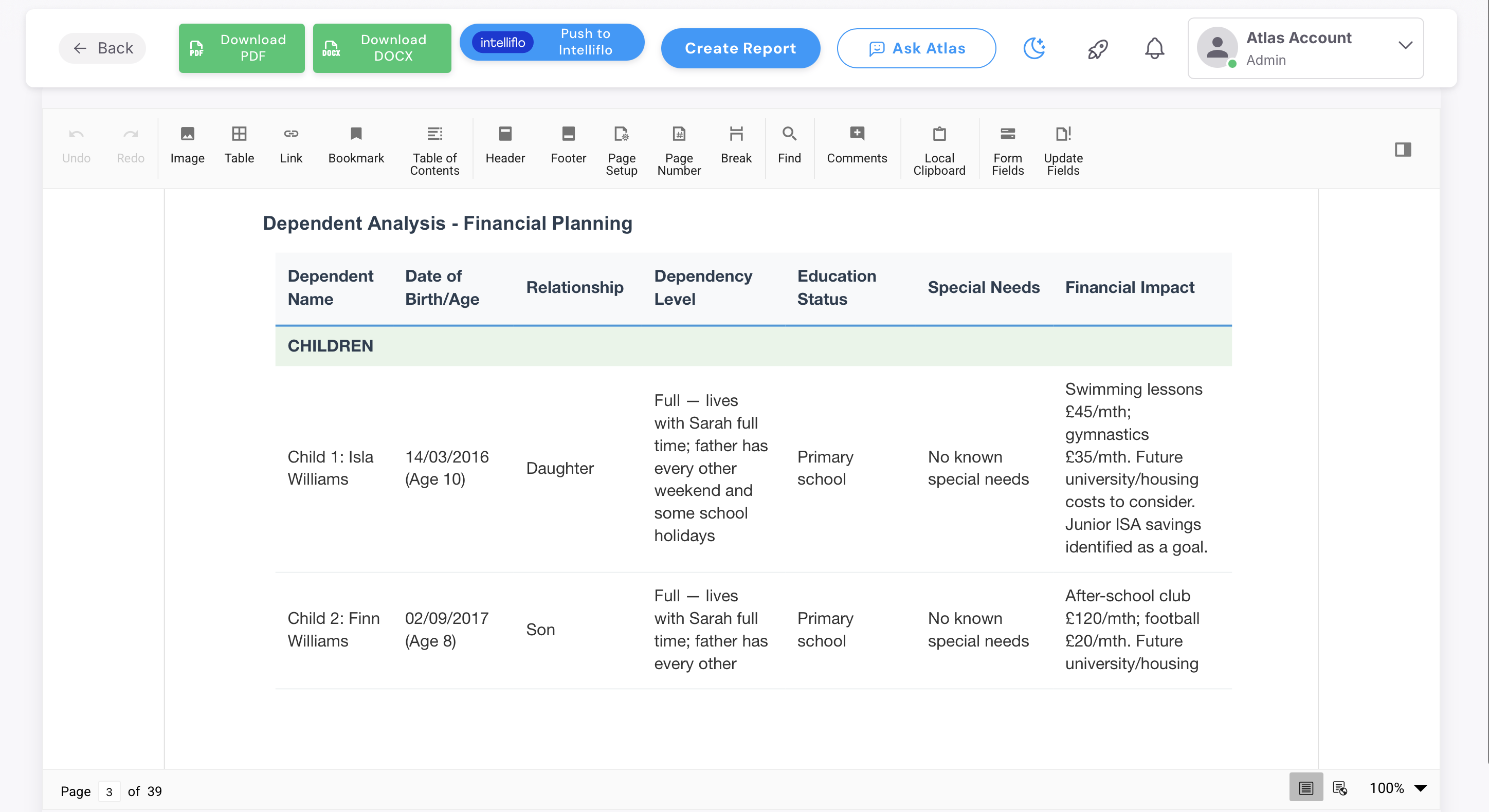
Once you're happy with it, download it as a PDF or Word document using the buttons in the top right — this becomes your finished report.
Emma versus Evie
Evie is your meeting assistant. She records and transcribes your client meetings, then turns them into Meeting Notes, Ad-hoc Meeting Notes and Fact Finds. She captures everything for every client meetings and handles the post-meeting admin for advisors.
Emma is your report writing assistant. She takes what Evie's captured — along with any other documents you give her, like illustrations, fact finds, or letters of authority — and writes your financial reports for clients: Suitability Reports, Annual Reviews, and Fund Switch Reports. Emma's reports are written with FCA and Consumer Duty standards in mind
Please note: Which reports you can create depends on your role.
Advisers have access to Evie, so you can create reports tied to a specific meeting — Meeting Notes, Ad-hoc Meeting Notes, and Email Summaries.
Paraplanners have access to Emma, so you can create the higher-level client reports — Suitability Reports, Annual Reviews, and Fund Switch Reports.
Paraplanner+ users have access to both Evie and Emma, so you can create any report type listed above.
Uploading Your Own Documents
You don't need a recording made through AdvisoryAI to generate a report. If you already have a transcript, fact find, or set of documents — for example, from a meeting you had before you started using the platform — you can upload those directly when creating the report, just as you would with anything generated in-app.
Matching Reports to Your Firm
Report templates can be set up to match your firm in one of two ways;
White Label applies your branding — logo, colours, fonts — to Emma's standard report structure.
Bespoke goes further, rebuilding your firm's own report structure, wording, and logic from scratch, so the output matches what you already produce.
If either of these is something your firm wants, please email support@advisoryai.com and our sales team will get in touch to talk through the options.
What Documents Does Each Report Need?
Emma only writes from what you give her — if the detail isn't in the documents you upload, it won't appear in the report.
A precise, well-chosen set of documents produces a far better report than uploading everything you have; extra or outdated documents add noise and can pull the report off course.
Below we have provided best-practice guidance on what documents you should provide to get the most out of EMMA. But, they are not mandatory, and the right mix will vary case by case - use your judgement on what each specific report needs.
Meeting Note
A Meeting Note needs just the meeting recording or transcript.
Fact Find
Documents needed |
|---|
The recording or transcript |
Risk Questionnaire — to carry through the agreed risk profile |
Emma Reports
These three documents — Meeting Note, Fact Find, and Risk Questionnaire — are the core set required for every Emma report below. Plus, whatever's specific to that report:
Report | Additional documents needed |
|---|---|
Annual Review | Performance Information, Cost and Charges, Cashflow Models / Projections, Fact Sheet |
Suitability Letter — Fund Switch | Existing plan information (value, charges, features, penalties) Cost and Charges Illustration, Fact Sheet Performance Information |
Suitability Letter — Top-up | Illustration, Cost and Charges, Fact Sheet |
Suitability Letter — Withdrawal / Drawdown | Projections and/or Cashflow Models, Cost and Charges |
Letter of Authority (LOA)
Documents needed |
|---|
The LOA response document from the provider — upload it and Emma summarises the information returned |