How to Stop the Notetaker Automatically Joining Your Meetings
Last updated: April 28, 2026
Overview
By default, the Evie/Emma notetaker bot is configured to automatically join your scheduled meetings. If you'd prefer to have full control over when the bot joins — so it only attends meetings you explicitly invite it to — you can disable this behaviour in your settings.
Steps to Disable Automatic Bot Joining
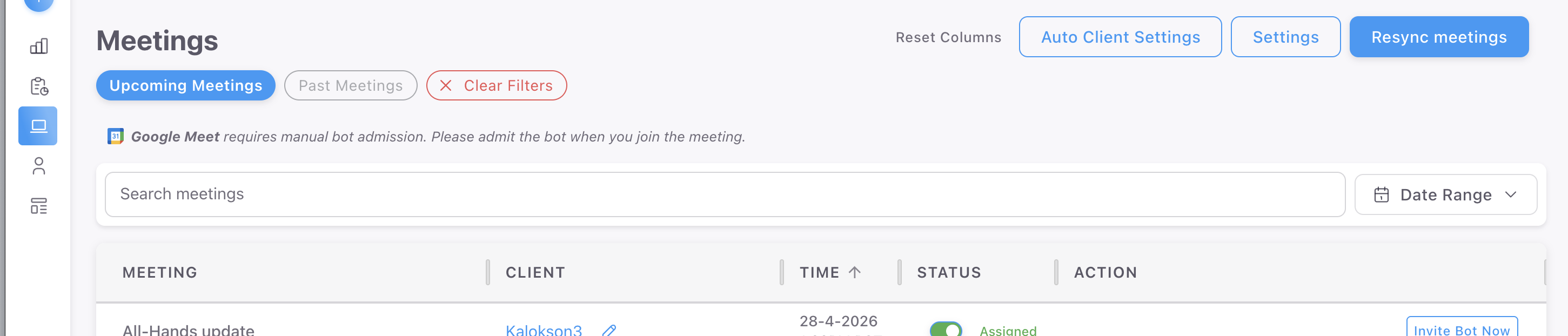
Navigate to the Meetings tab in the platform
Click Settings in the top right corner
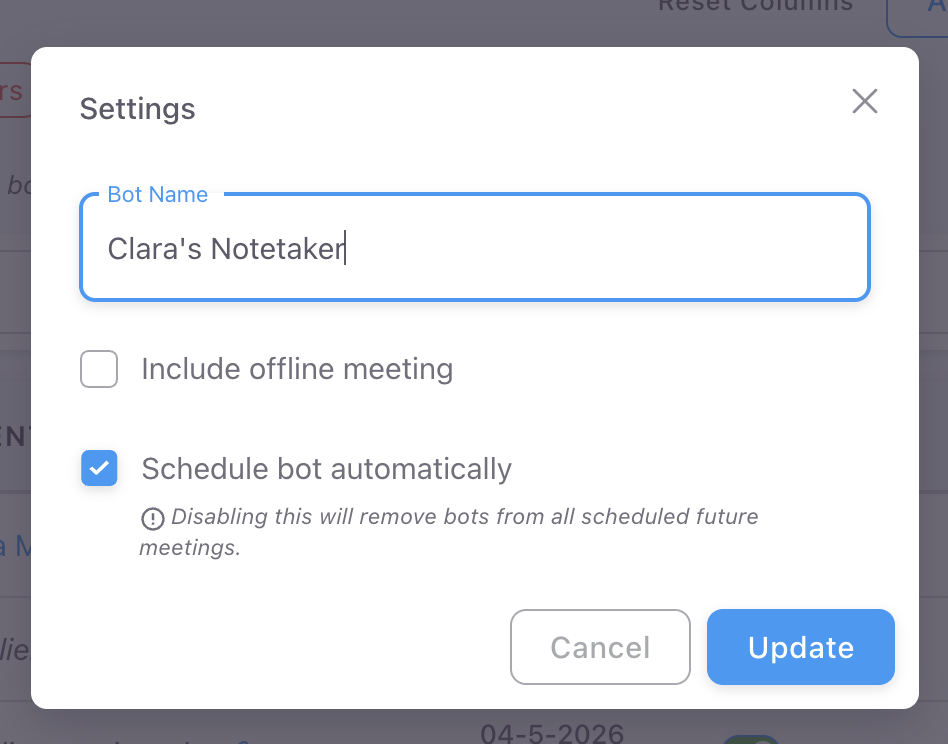
Locate the "Schedule bot automatically" toggle and Uncheck the option to disable automatic joining and click update.
You will notice all the meetings statuses will change to red.
Once unchecked, the bot will no longer join your meetings by default. You can still invite it to individual meetings manually before they begin, by selecting the Invite Bot Now button on the same row as the meeting status will toggle green.